
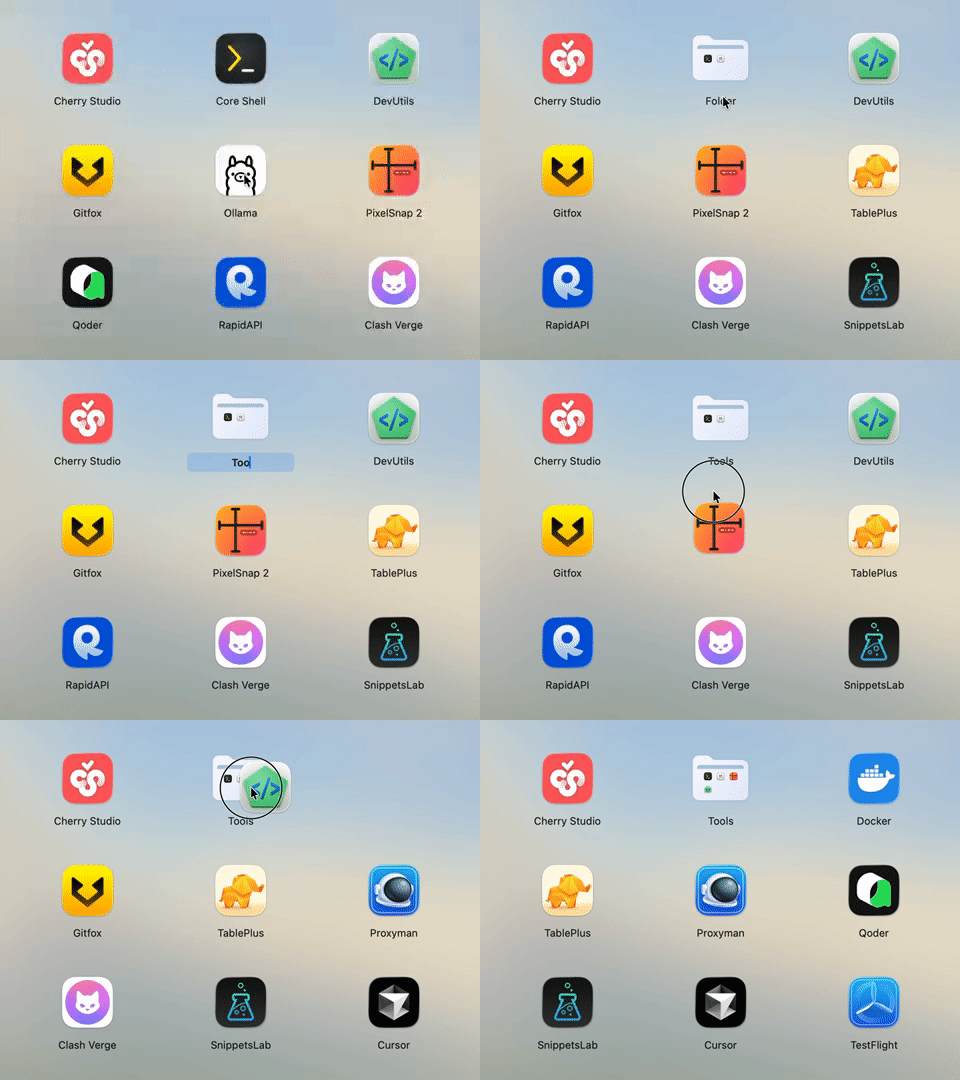
Stack To Create Folders
Drop one app onto another to spawn a folder instantly. Name and categorize in a single fluid gesture that keeps related tools together.
Too many apps · not enough time?
Craft a launch experience that feels made for you. NovaPadGo brings smooth interactions, deep customization, instant search, and one-click actions together so you can locate, organize, launch, and switch apps without friction.
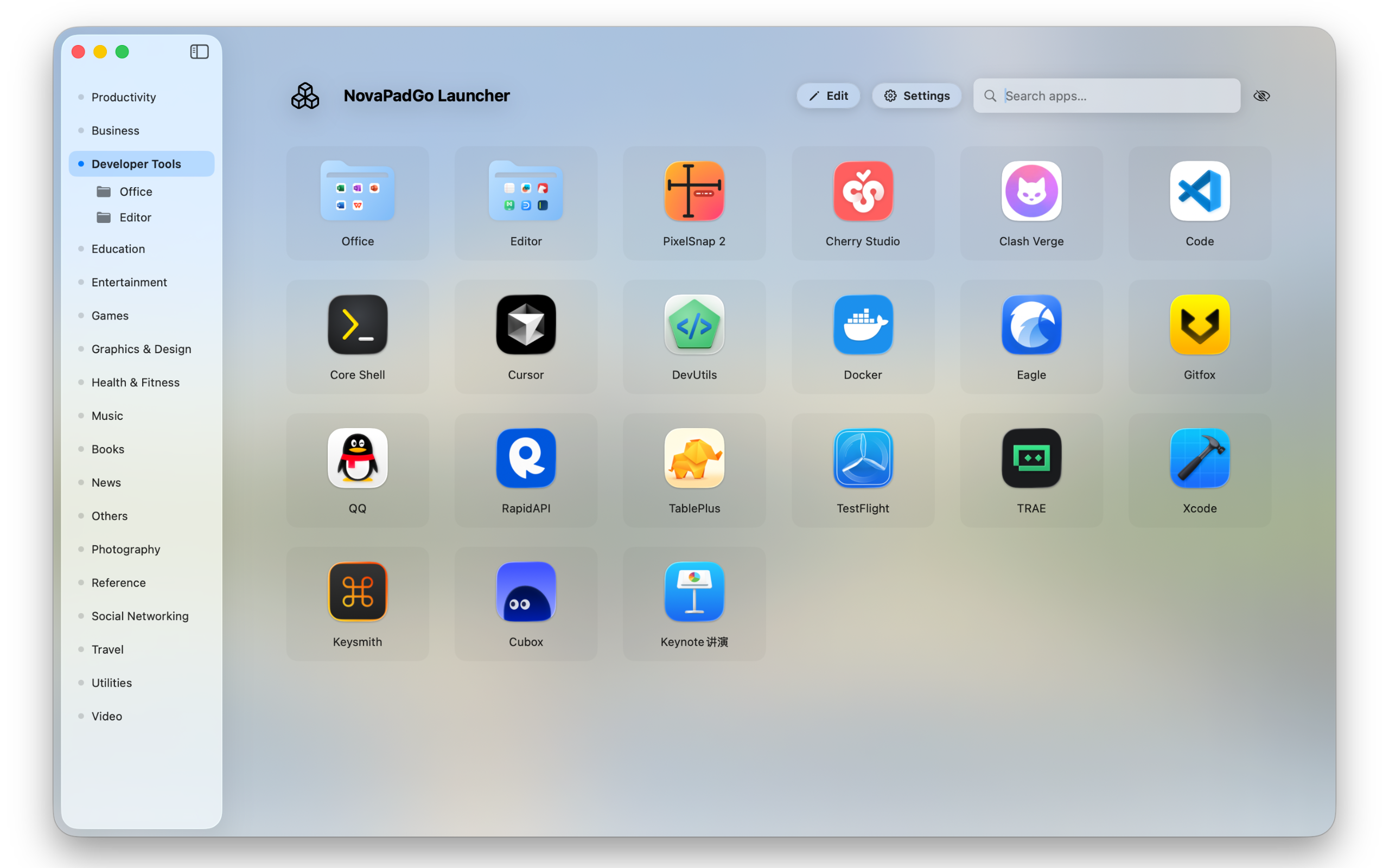
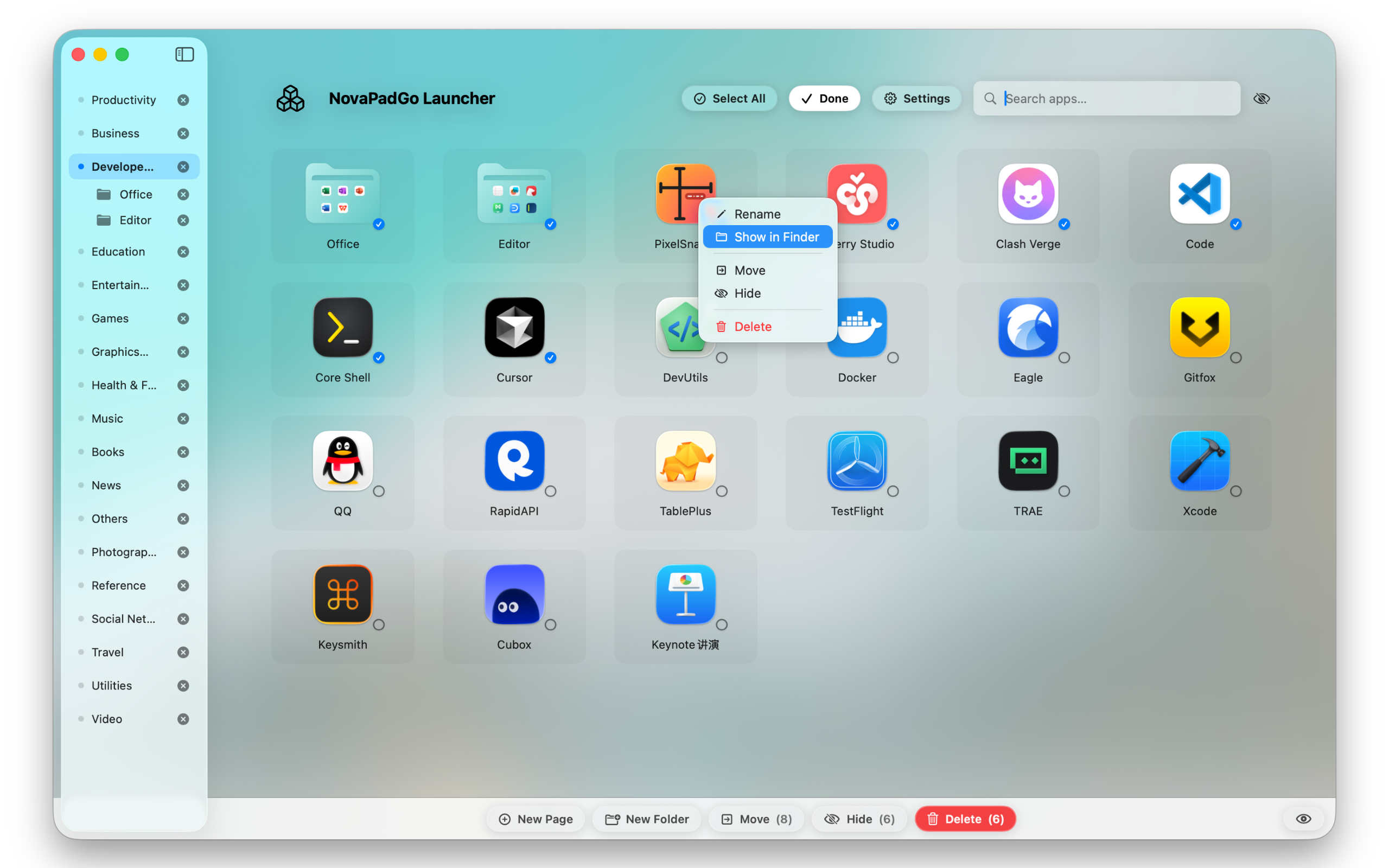
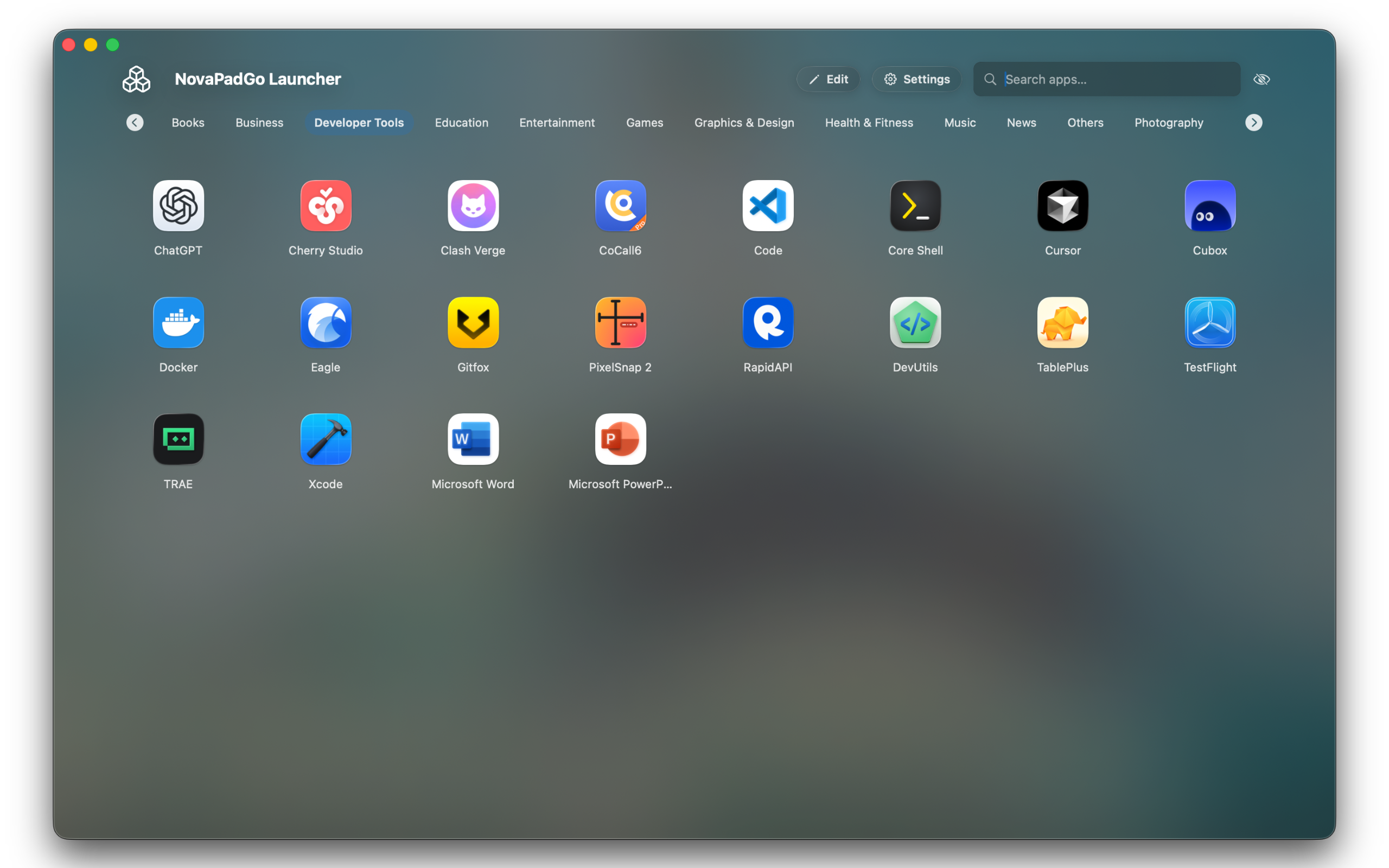
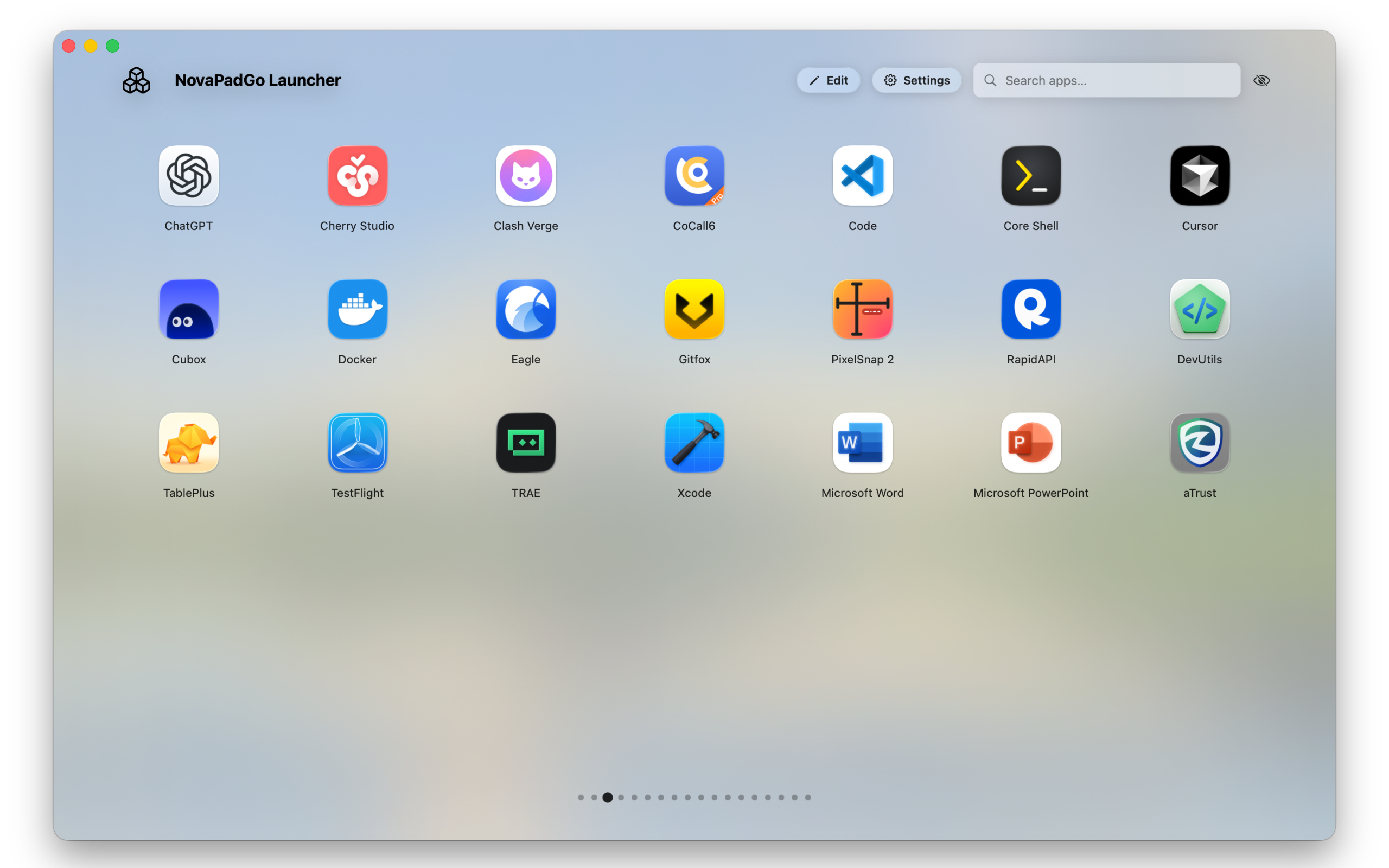
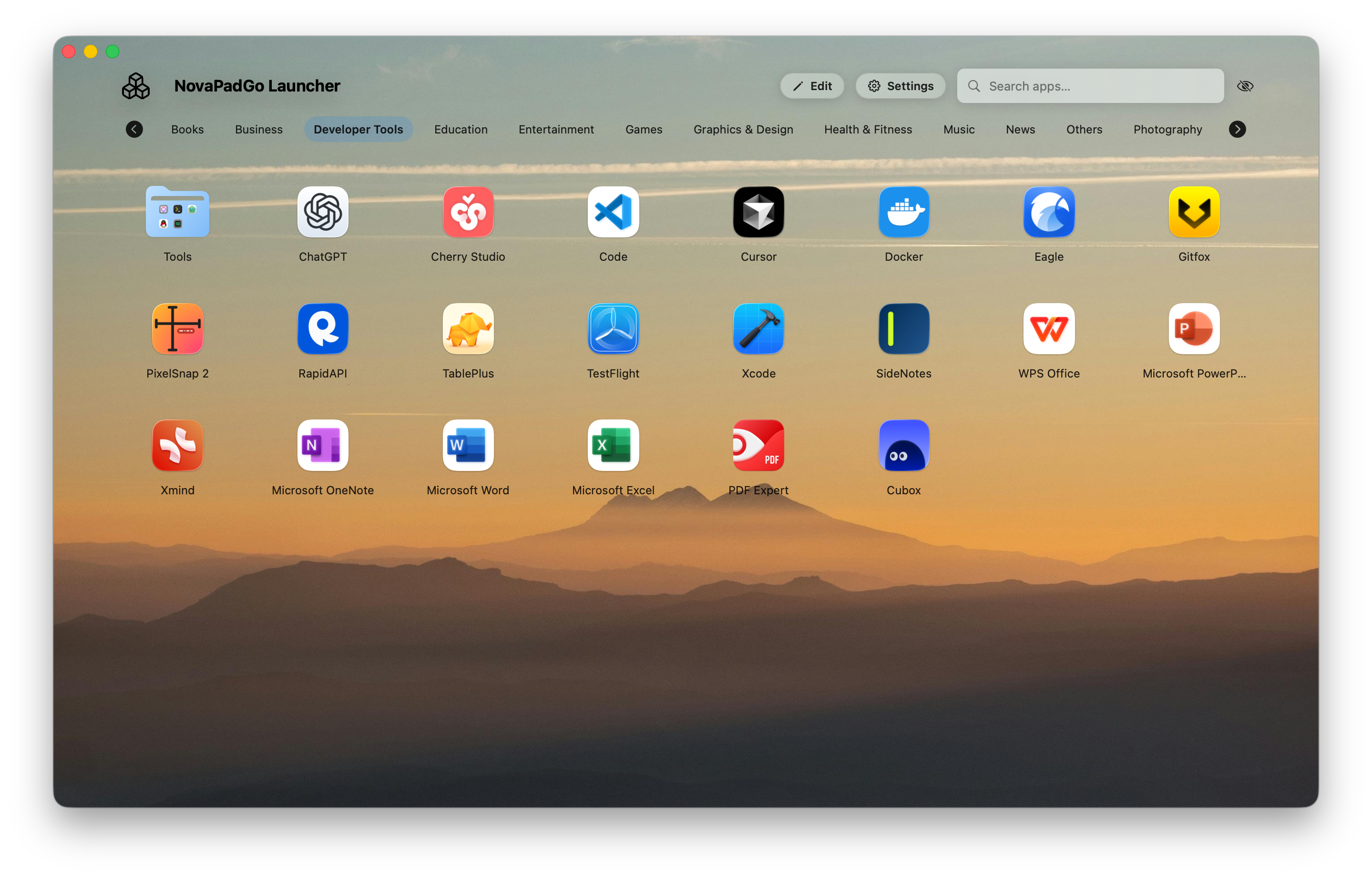
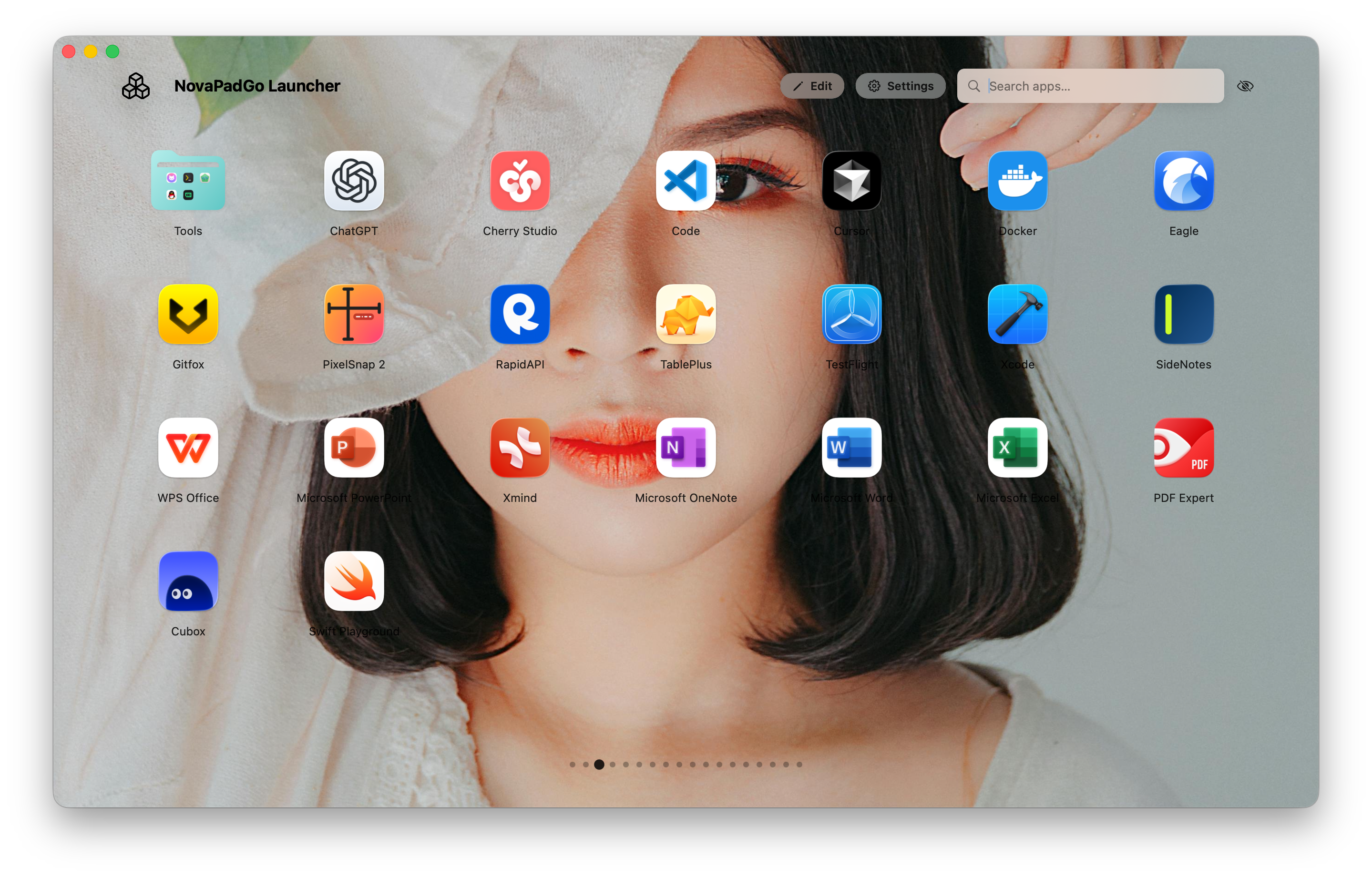
NovaPadGo combines the best of launchers, search, and desktop organization. From the very first second, everything is tuned to accelerate your workflow.
Drop one app onto another to spawn a folder instantly. Name and categorize in a single fluid gesture that keeps related tools together.
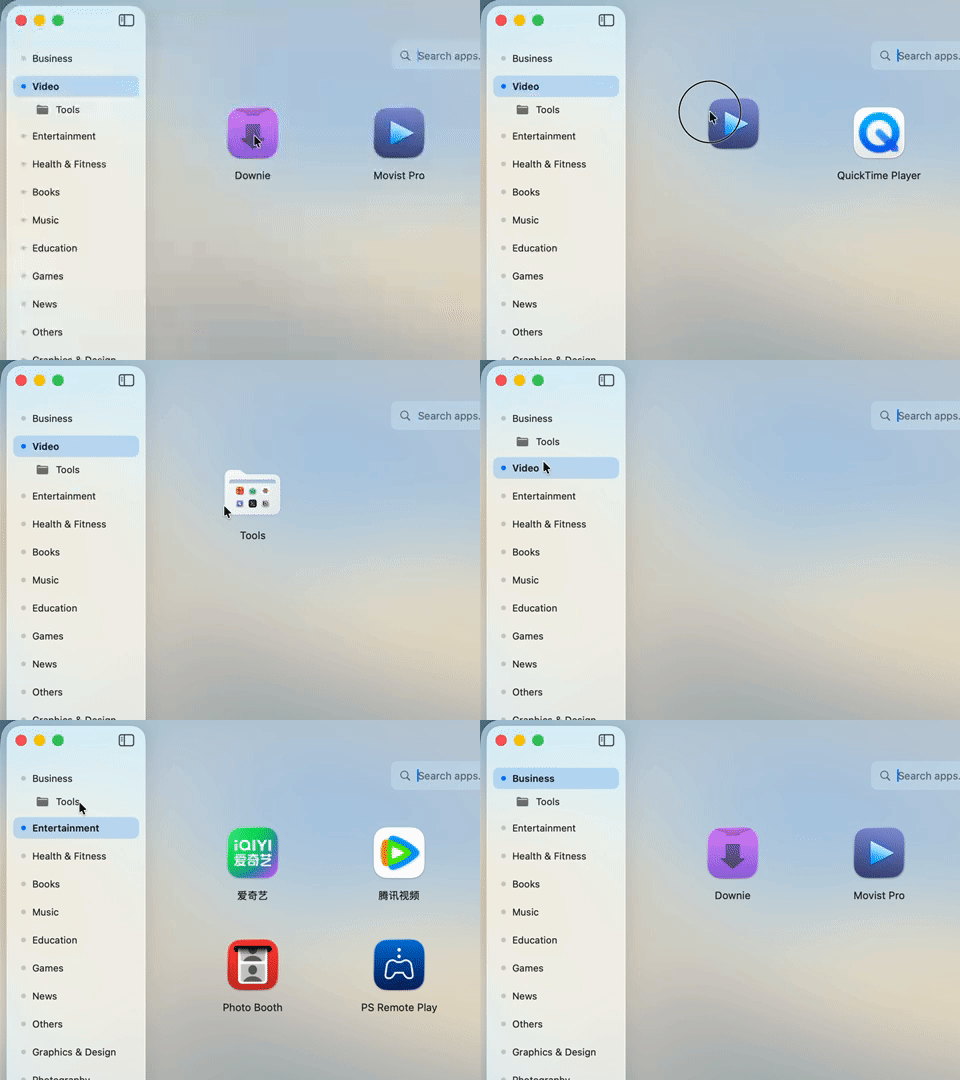
Drag an app toward any tab to move it into that workspace. Empty tabs disappear automatically so every view stays purposeful.
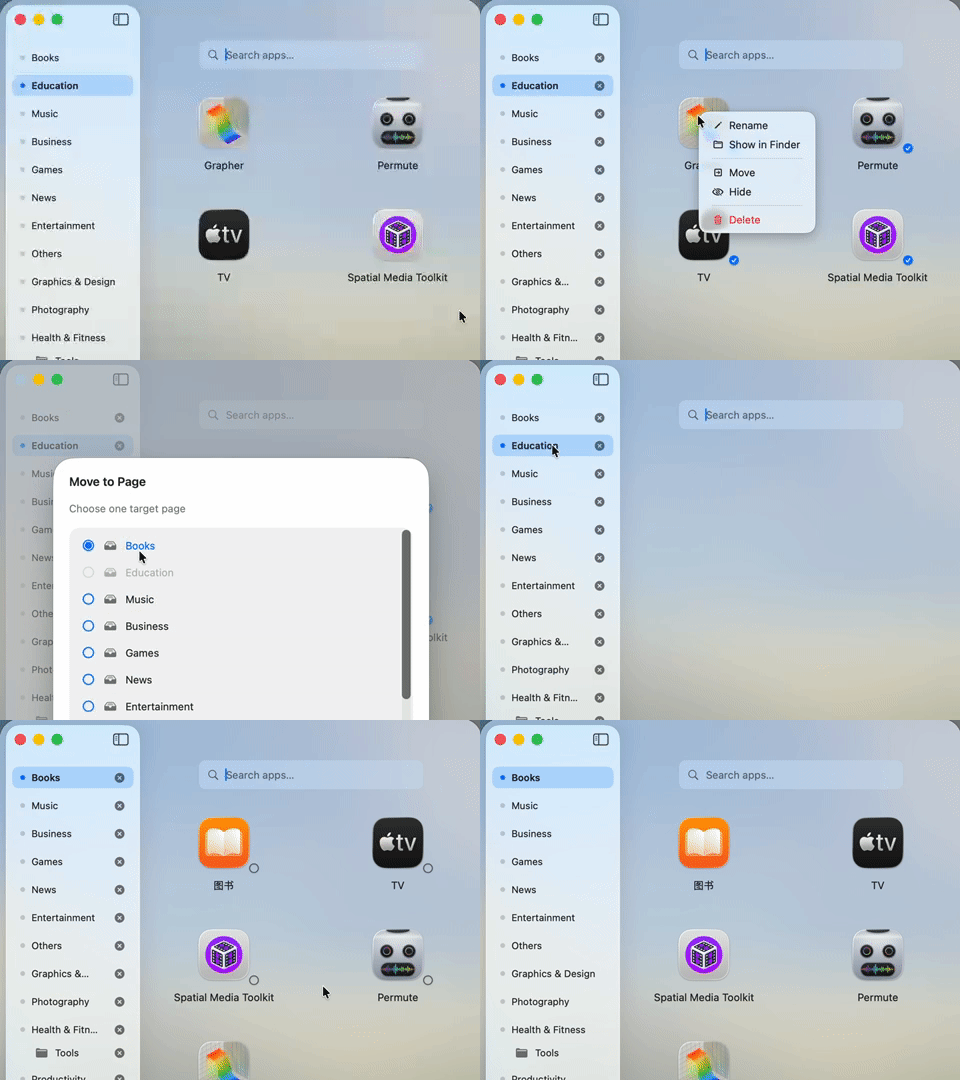
Lasso multiple icons and rearrange them in one sweep. Merging and tidying large collections feels as fast as cleaning the desktop.
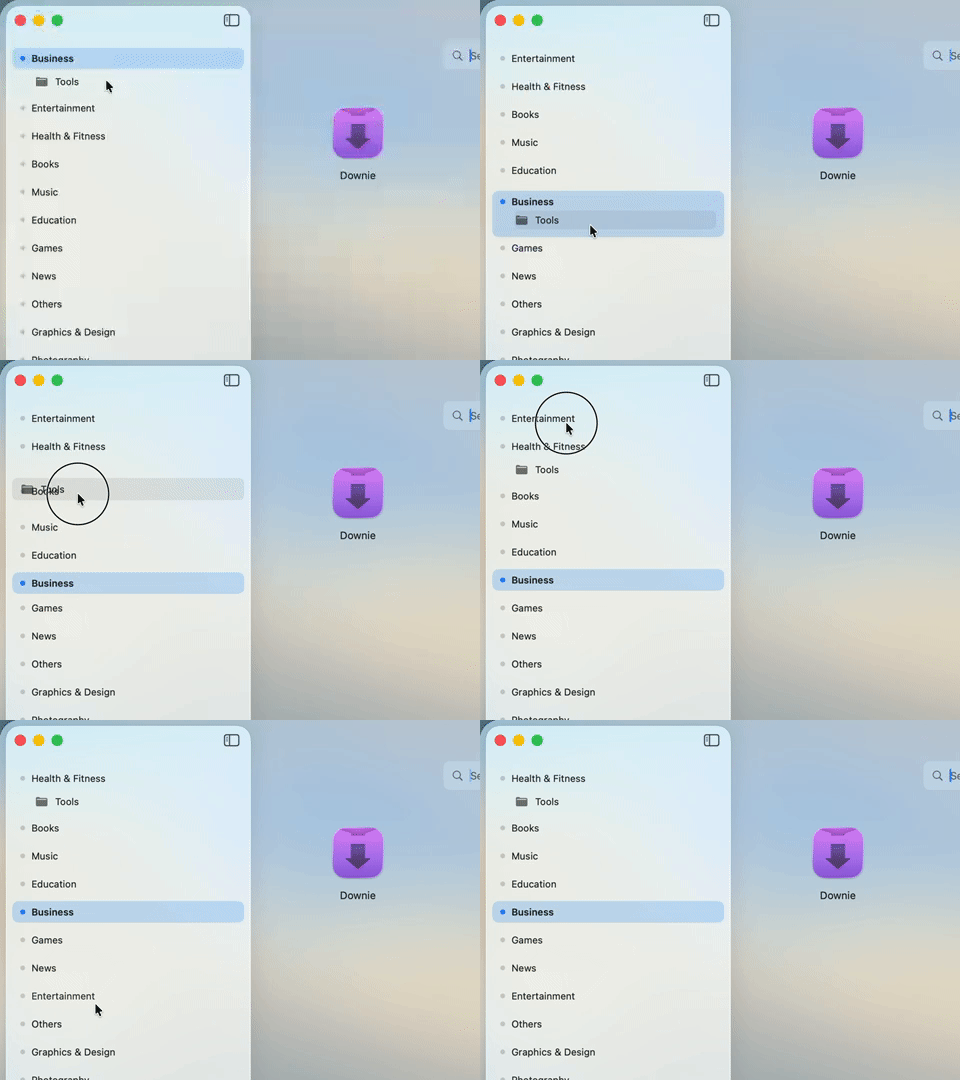
Rearrange sidebar tabs with a quick drag. Adjust priorities to match your flow and keep top scenarios within instant reach.
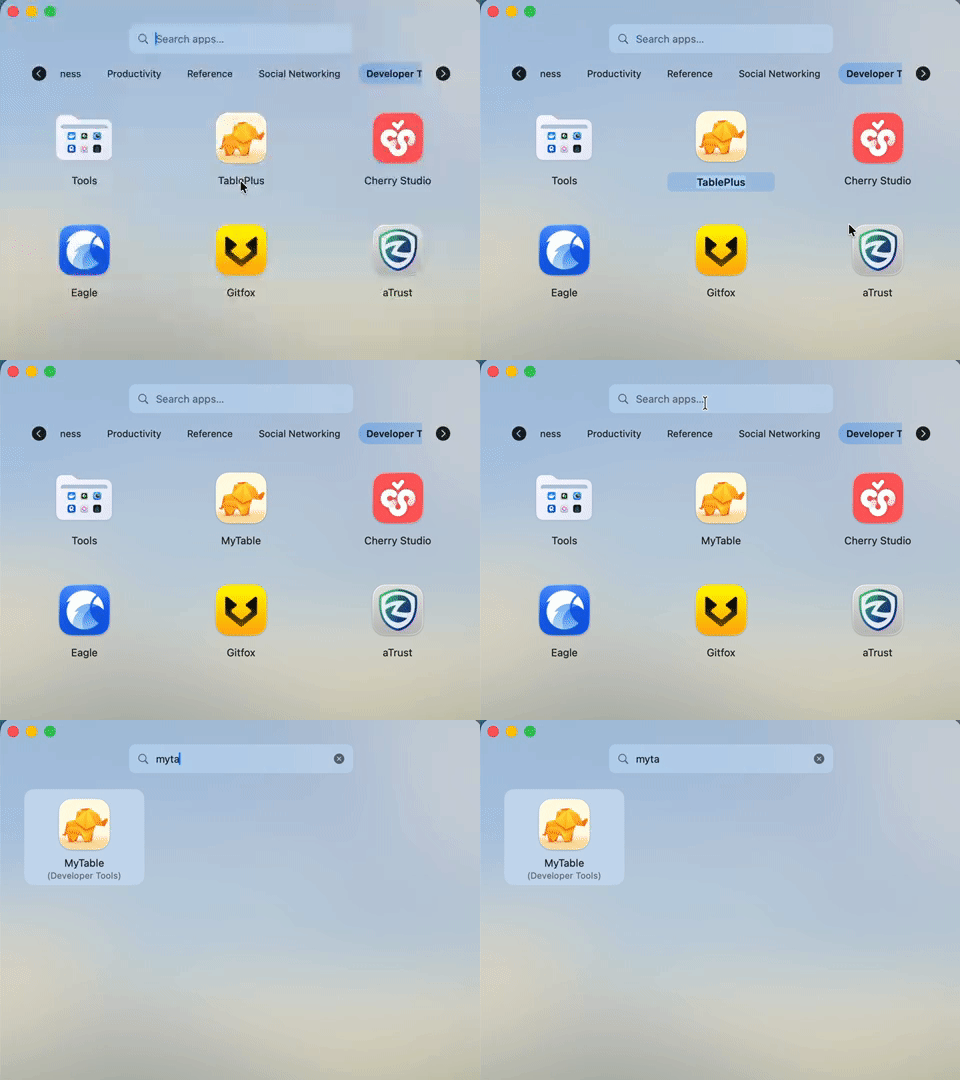
Create multiple aliases for the same app or command. Type the nicknames you actually remember and open targets without friction.
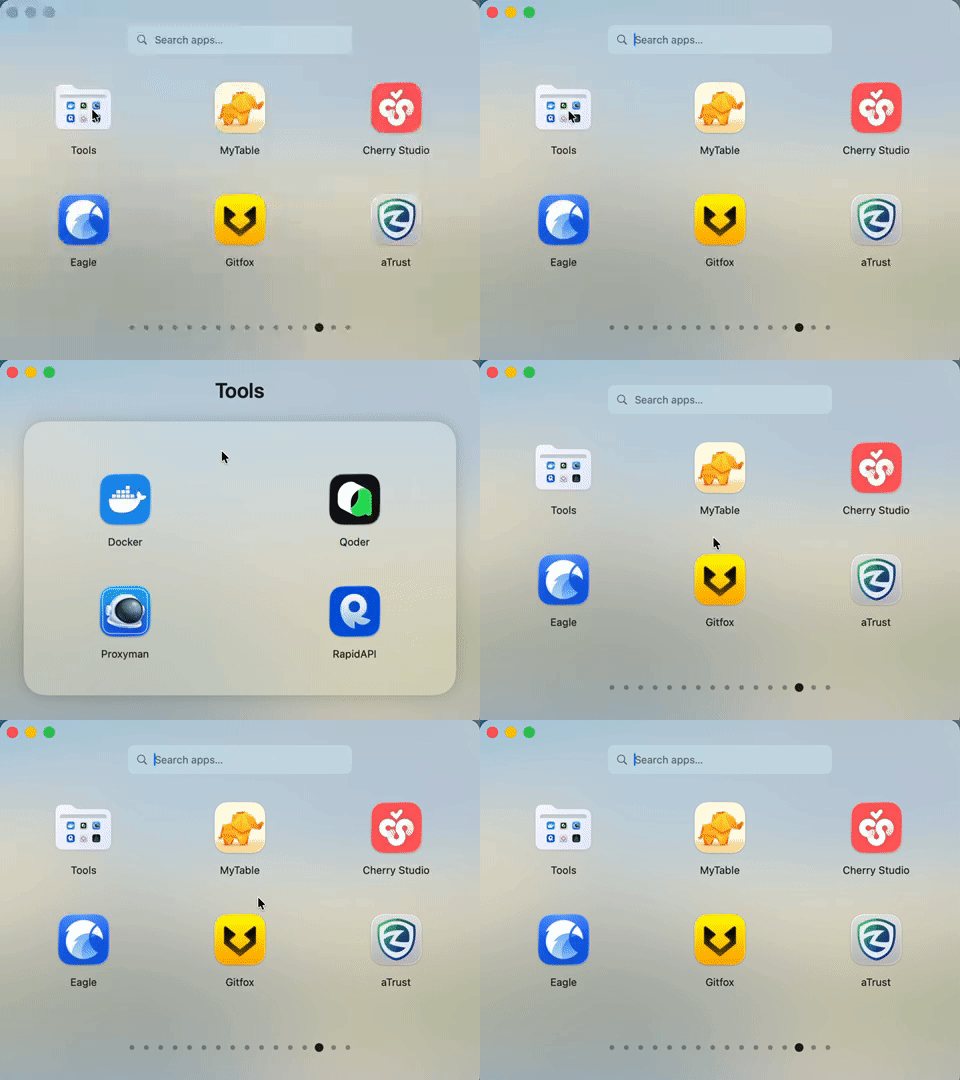
Click to peek inside any folder from a floating window. Stay in context while spotting exactly the tool you need.
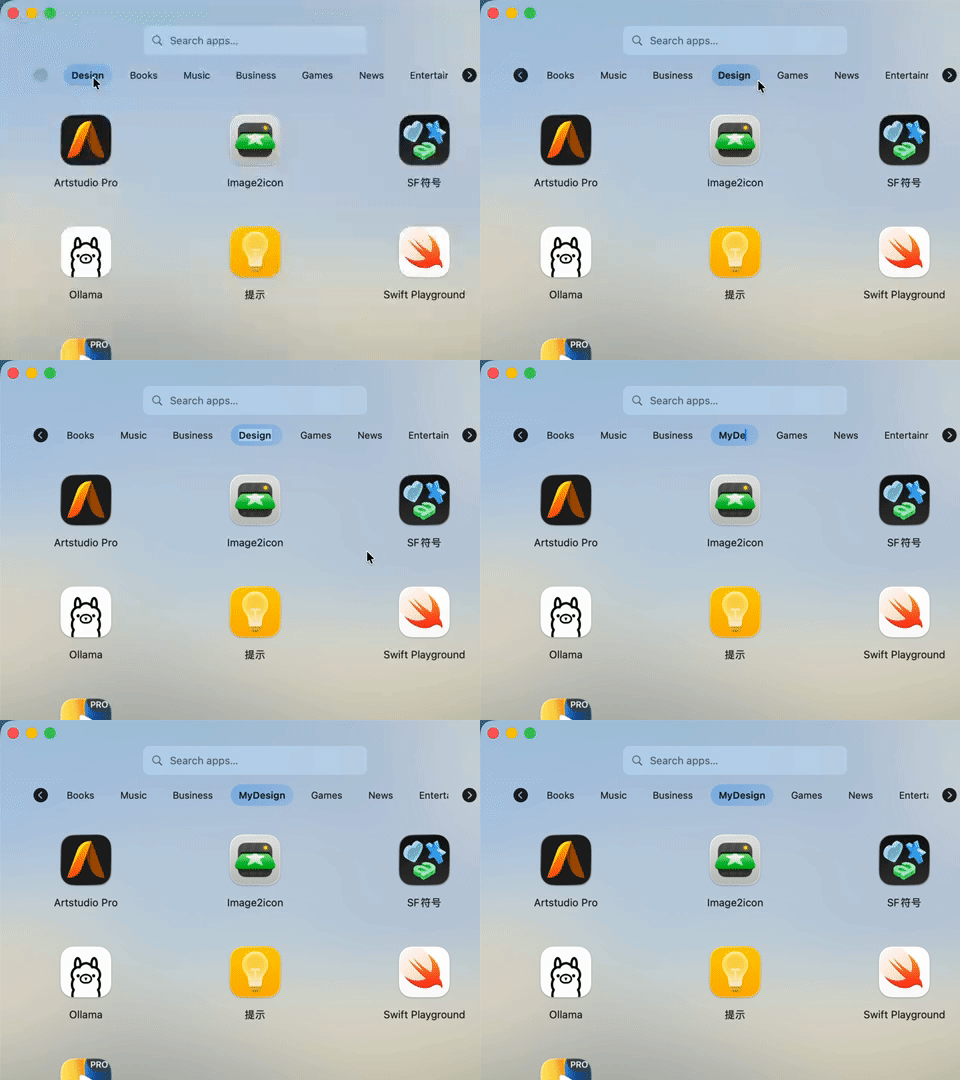
Double-click a top tab to rename it, then drag to reorder. Tailor every label and sequence to match your mental map.
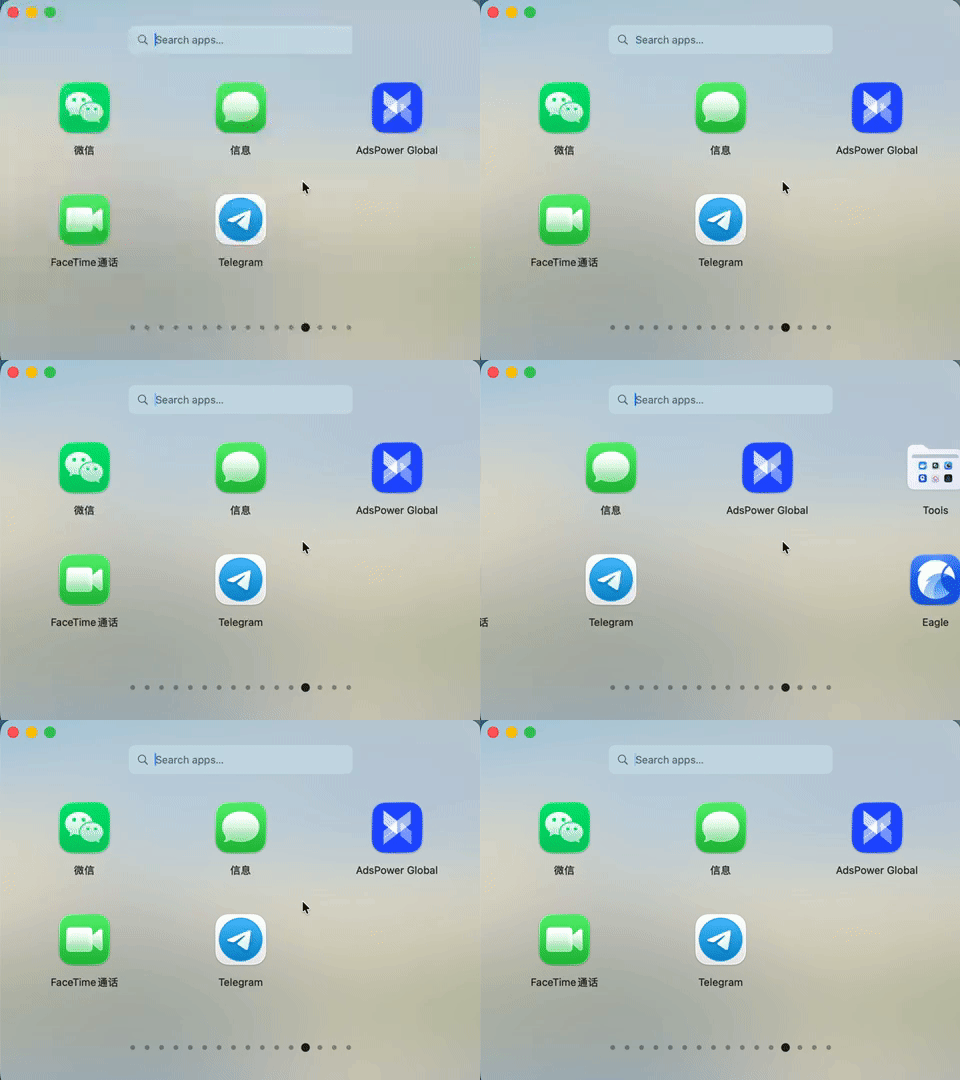
The bottom row mirrors the classic Launchpad. Swipe horizontally to flip pages and keep familiar muscle memory alive.
Whether you're preparing a development stack or aligning creative tools, NovaPadGo keeps it simple.
NovaPadGo scans system apps on first launch. Add custom folders and external drives anytime with a click.
Drag apps, rename items, create aliases, or pin favorites to the top. Your workspace stays as tidy as you prefer.
Search, hit global shortcuts, or use the command panel to run anything instantly. Frequent commands support hotkeys and automation.
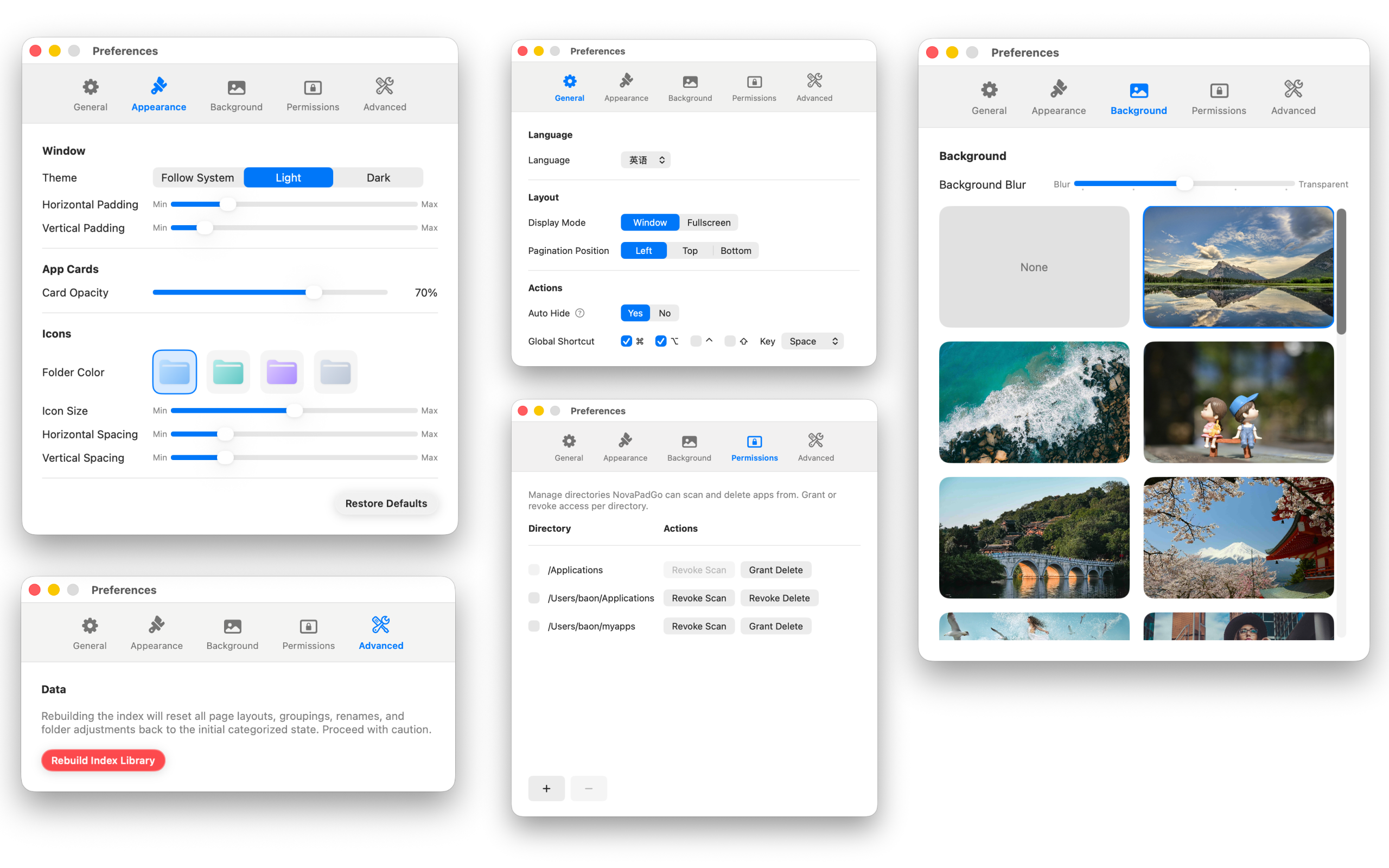
Real product scenes that highlight everything NovaPadGo can do.
Launch NovaPadGo from a global shortcut, pick the right app instantly, and run essential commands without breaking focus.
Watch how NovaPadGo handles custom themes, permission management, and quick action panels in one streamlined flow.
Download the latest release today and build the command center your Mac deserves.
Get NovaPadGo